Scan without a signal
The model is included in the APK and runs on your phone. Scan supported plants using the camera or a photo from your gallery.
On-device identificationGet to know Philippine medicinal plants with on-device scanning, practical plant references, and clear safety notes. Set up once, then take your learning offline.
Android appOnline login & sync required for first setup
Current release v1.0.5View download details
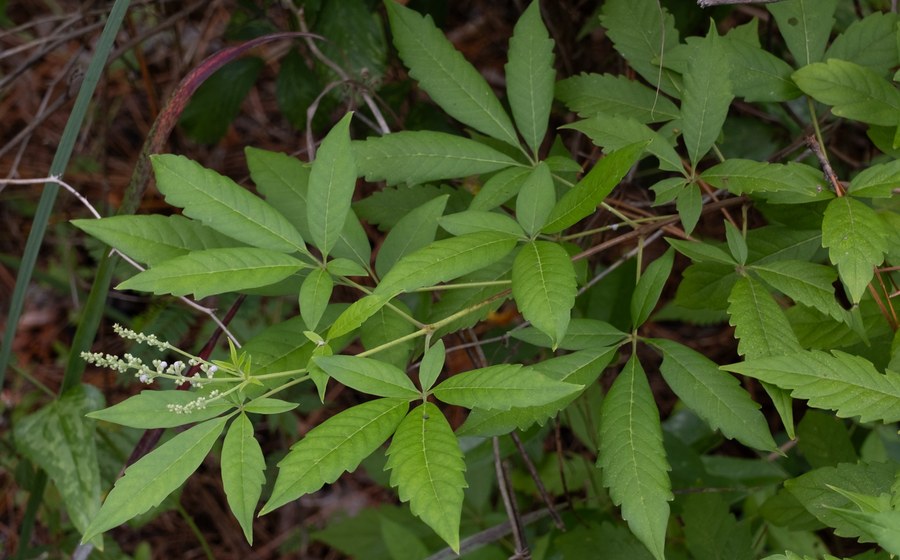 Lagundi reference photo unavailable
Plant spotlight
10 plant referencesA Philippine herbal collection
On-device scanningNo connection needed to run the model
Confidence-aware resultsLow-confidence scans ask for a retake
From a closer look at a leaf to a better understanding of a plant, keep the essentials together.
The model is included in the APK and runs on your phone. Scan supported plants using the camera or a photo from your gallery.
On-device identificationSync plant information once to keep preparation overviews, reported uses, combination evidence, and source citations available offline.
Cached references + bundled photosRead precautions and look-alike cautions alongside each reference. A model result is a learning aid, not proof that a plant is safe to use.
Educational information onlyBrowse the app’s plant reference collection. Library coverage and trained scanner coverage are different.
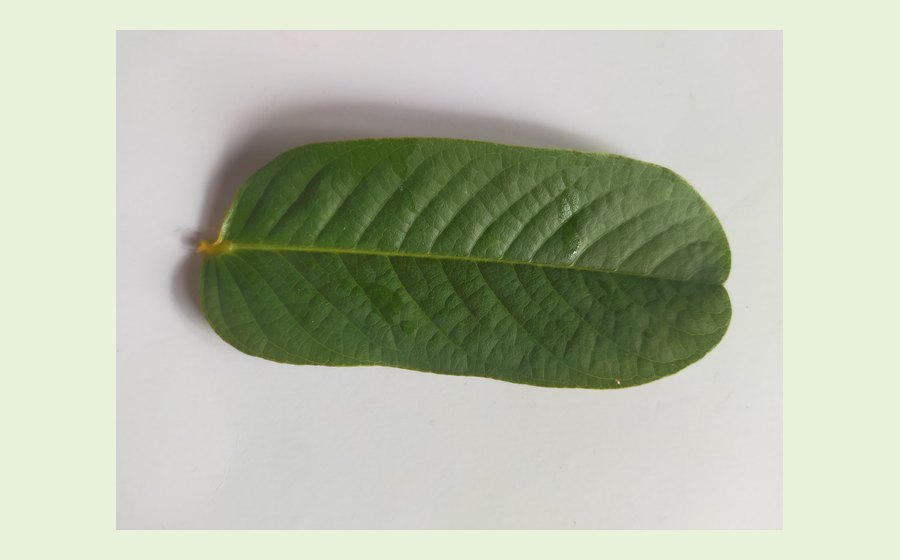 Reference image unavailable
01
Senna alata
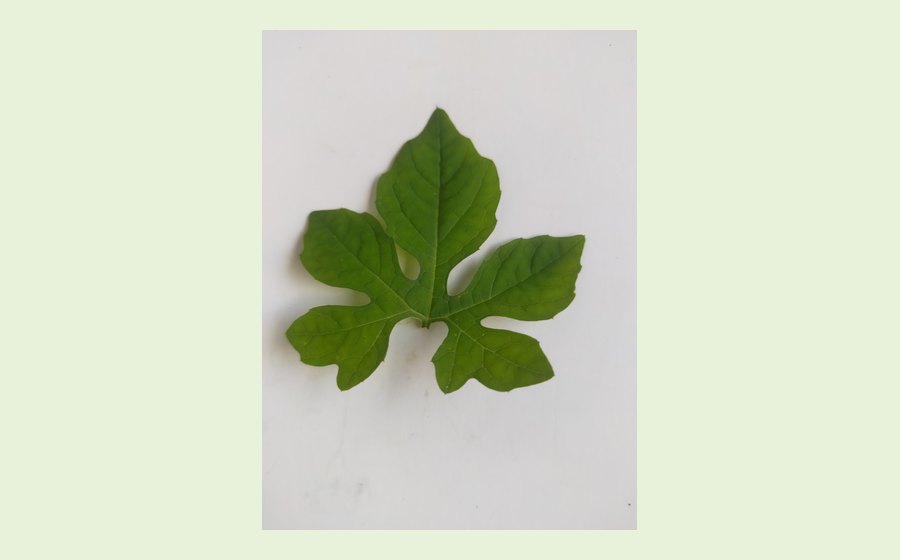 Reference image unavailable
02
Momordica charantia
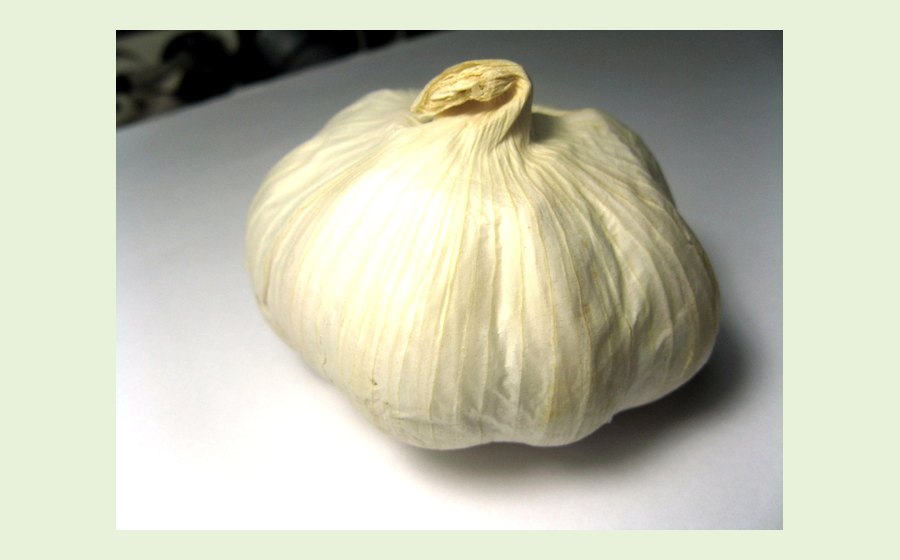 Reference image unavailable
03
Allium sativum
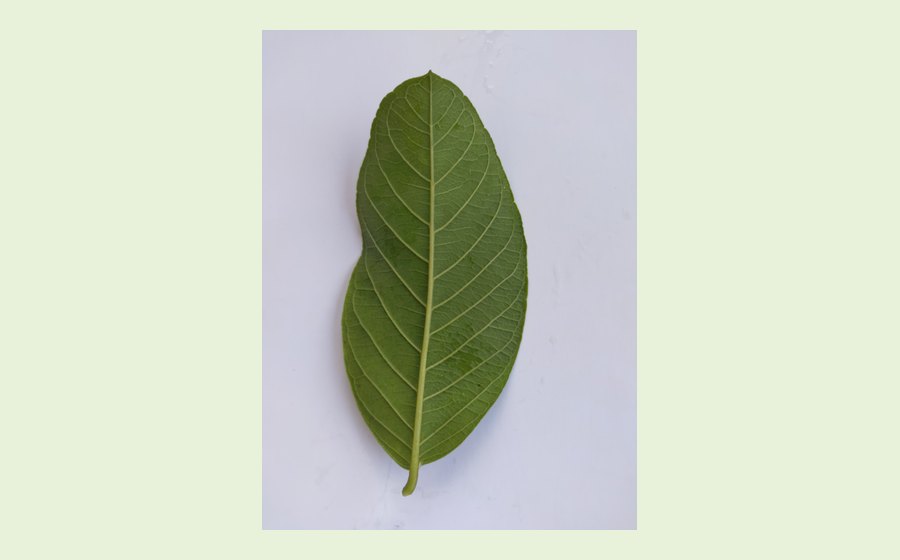 Reference image unavailable
04
Psidium guajava
Reference image unavailable
05
Vitex negundo
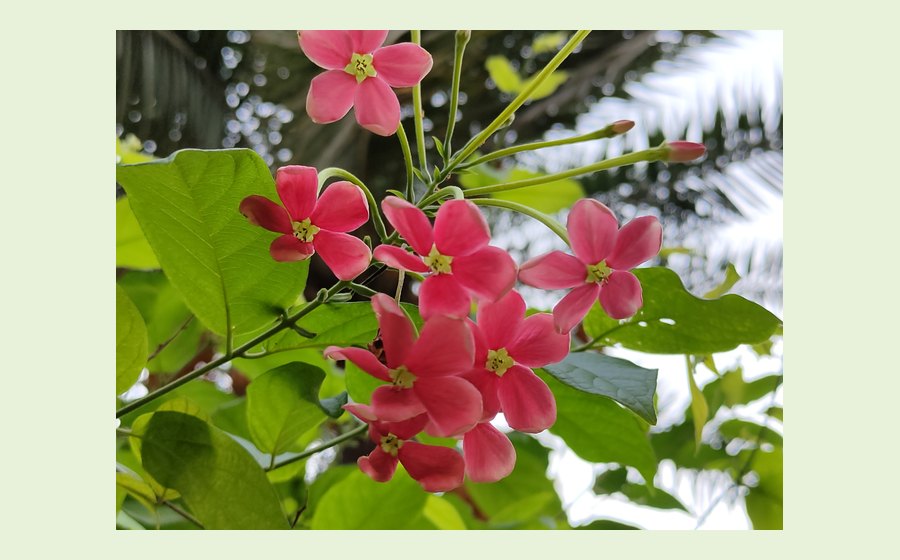 Reference image unavailable
06
Quisqualis indica
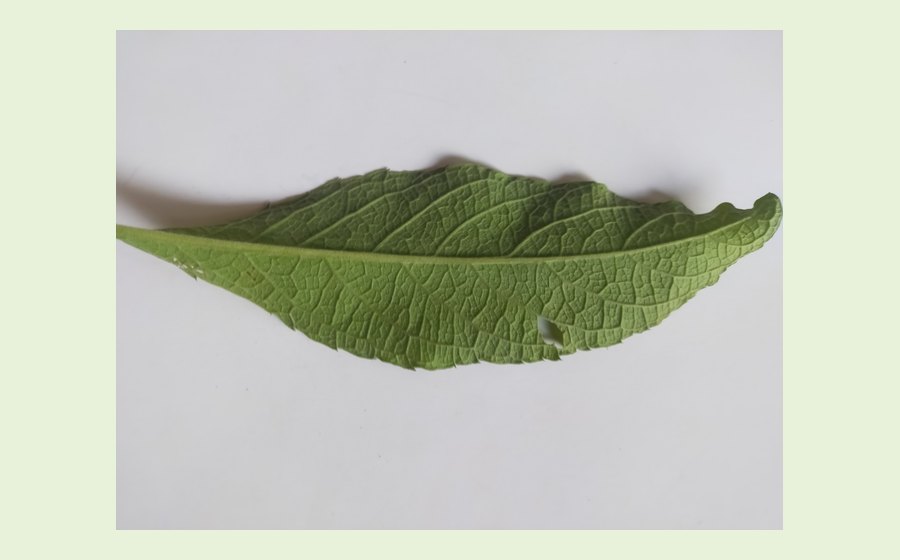 Reference image unavailable
07
Blumea balsamifera
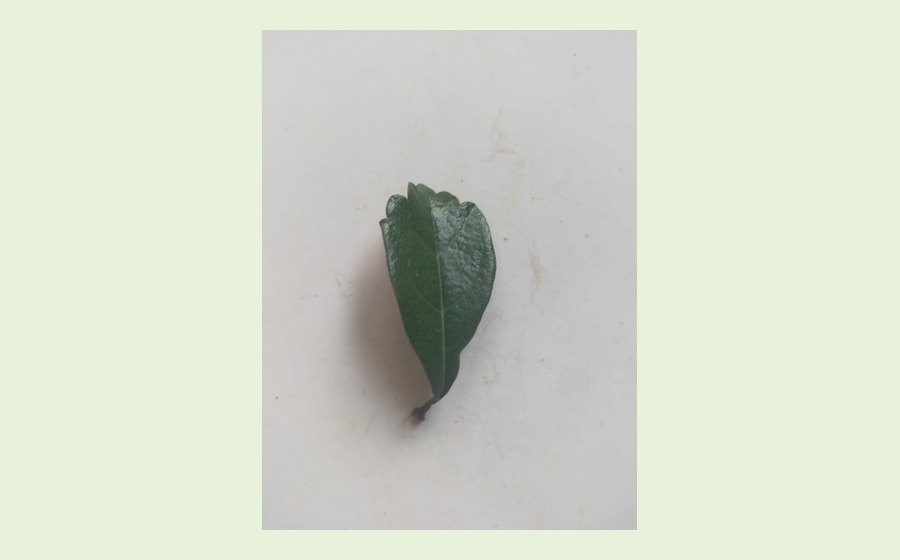 Reference image unavailable
08
Carmona retusa
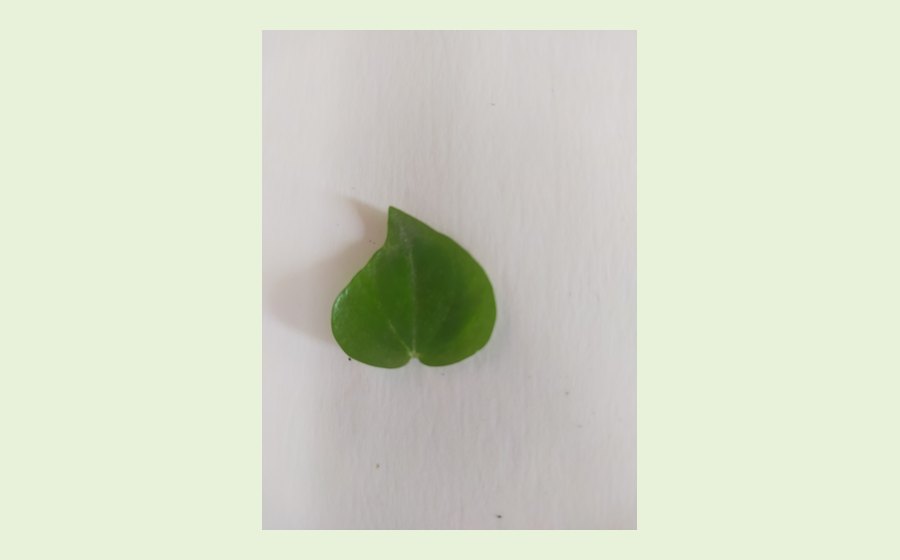 Reference image unavailable
09
Peperomia pellucida
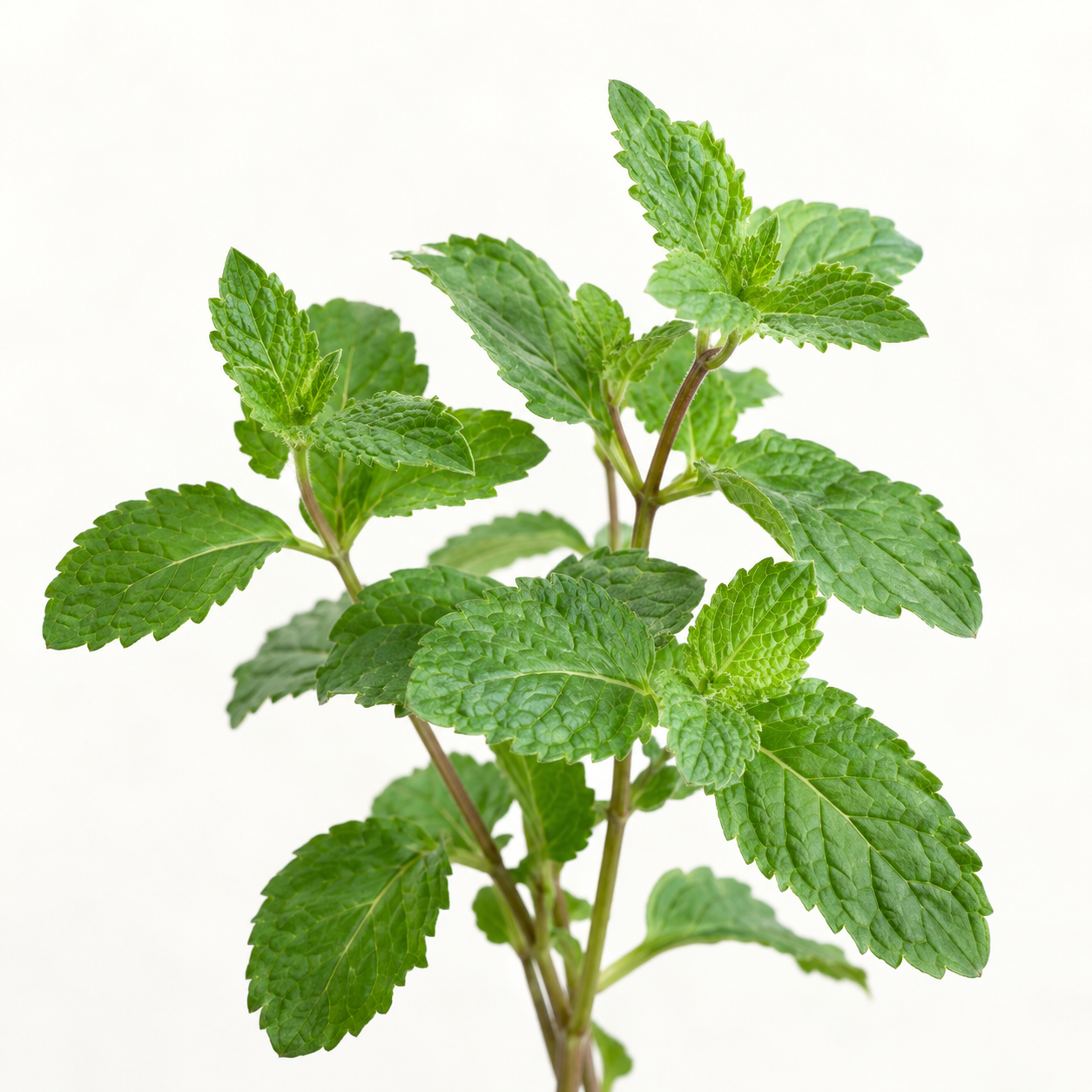 Reference image unavailable
10
Mentha cordifolia
Open a plant’s full reference, evidence, and precautions inside the app. Reference entries do not guarantee a scanner match.
You only need a connection for account setup and your first information sync. The model and plant photos come with the app.
See installation stepsDownload the latest Android APK. Open the file on your phone and follow Android’s installation prompts.
Register or sign in with your Gmail address, then use Download/Update plant information while the server is reachable.
Use the scanner and saved plant references without a connection. Reconnect when you want to refresh your information.
Identification is only the beginning. Know what a result can—and cannot—tell you before using a plant.
Read cited sources and evidence notes. A traditional or laboratory record is not a prescribed treatment.
Results below 80% confidence are rejected. Even a high score can be wrong: verify the whole plant independently.
Safety notes do not mean the scanner can identify poisonous species. Seek a qualified professional before medicinal use.
Installation, offline access, and using HerbalID responsibly.
For local testing, the phone and laptop must share a network and the Laravel server must be reachable. This download is for Android; there is no iPhone APK.
After login and the first successful information sync, on-device scanning, bundled plant photos, and cached plant references work offline. Reopen the app without signing out to keep using your saved session.
New logins, updated reference data, synchronization, and opening source websites need a connection. If you clear app data or reinstall, you may need to sign in and sync again.
No. The reference library and classifier are separate. Scanner coverage depends on the trained model included in your APK; a library entry alone does not make that species identifiable. New app builds may include updated models.
If the result is uncertain, take a clear, well-lit photo with the plant in focus. Do not use a confidence score to decide whether an unknown plant is edible or safe.
Account details are sent to the HerbalID server for registration and login. Your session is stored using the app’s secure storage, and synced plant references are cached on the device.
The scanner runs on-device. Saved scan information and photos may synchronize to the HerbalID server when a connection is available. “Offline scanning” does not mean that saved information can never leave the device.
No. HerbalID provides educational plant references, not medical advice, diagnosis, treatment, a prescribed dose, or a guarantee of safe plant identity. Combination records describe their source evidence; they are not personalized recommendations to mix herbs.
Verify plant identity and consult a qualified health professional before medicinal use. Do not consume an unidentified plant based on an app result.
A closer connection to local plants starts with a little curiosity—and a guide in your pocket.
Download APKAndroid APK · First login and sync require a connection.